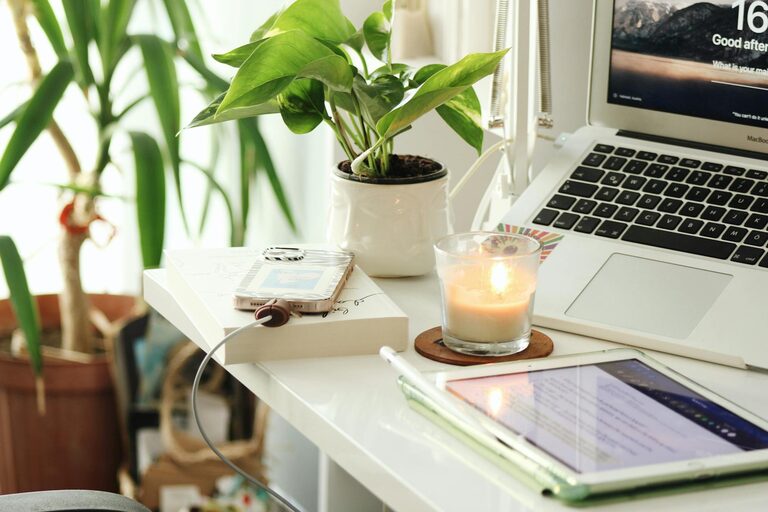
Creating a productive home office environment is essential for anyone working remotely or running a business from home. A well-designed workspace not only fosters focus but also enhances motivation and efficiency throughout the day. Whether you have a dedicated room or just a corner in your living area, these tips will help you create an inspiring and functional home office.
Find the Right Space
Choose a Dedicated Area
Even if space is limited, try to designate a specific spot for your work. This helps your brain separate work time from personal time. Ideally, this space should be quiet and free from distractions like television or household traffic.
Consider Natural Light
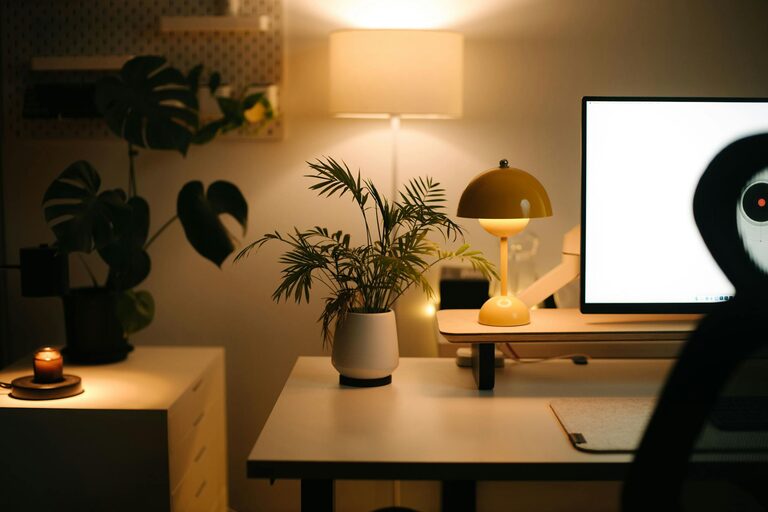
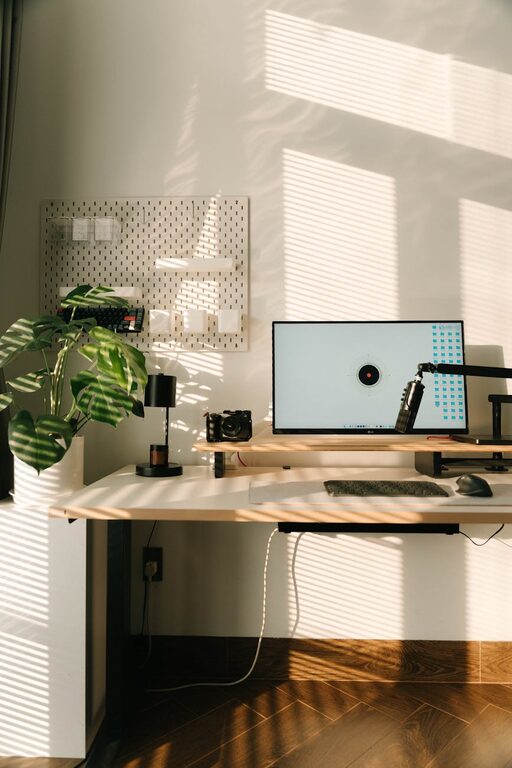
Natural light improves mood and alertness. Set up your desk near a window if possible. If natural light is limited, invest in good quality artificial lighting that mimics daylight to reduce eye strain.
Invest in Comfortable Furniture
Ergonomic Chair
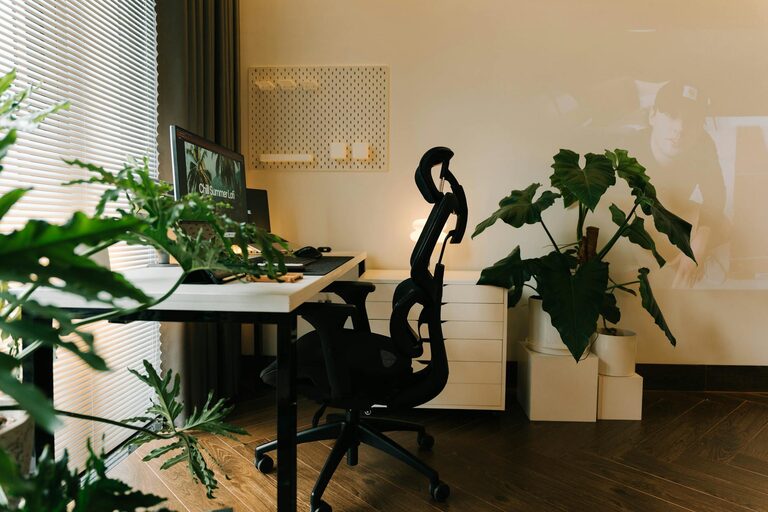
A chair that supports your posture is vital. Look for adjustable chairs with lumbar support to prevent back pain during extended work hours.
Appropriate Desk Height
Your desk should allow your arms to rest comfortably while typing and your feet to sit flat on the floor. Adjustable desks or standing desks are great options to alternate between sitting and standing.
Organize Your Workspace
Declutter Regularly
Keep only essentials on your desk to minimize distractions. Use drawers, shelves, or storage boxes to organize materials and keep surfaces tidy.
Use Cable Management
Loose cables create clutter and can be distracting. Use clips, ties, or sleeves to keep wires neat and out of the way.
Establish a Functional Layout
Position Equipment Strategically
Place your computer, monitor, keyboard, and other tools within easy reach. This minimizes unnecessary movement and helps maintain good posture.
Allocate Zones
If space allows, designate separate zones for different tasks—for example, a computer station for digital work and a writing area for brainstorming or paperwork.
Minimize Distractions
Control Noise Levels
If noise is an issue, consider noise-cancelling headphones or soundproofing options such as rugs, curtains, or wall panels.
Set Boundaries
Communicate your working hours to family or housemates and ask for their cooperation in avoiding interruptions.
Personalize Your Space
Add Inspirational Elements
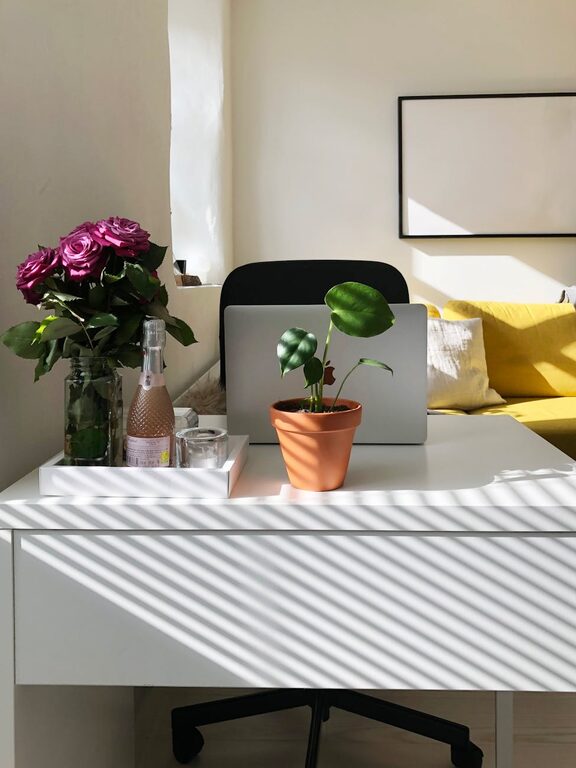
Incorporate artwork, plants, or motivational quotes that uplift your mood and creativity.
Use Calming Colors
Colors like soft blues, greens, or neutrals can create a calm and focused atmosphere.
Incorporate Technology Wisely
Ensure Reliable Internet
A strong internet connection is crucial. Test your setup and upgrade your plan or equipment if needed to avoid interruptions.
Use Productivity Tools
Apps and software for time management, task tracking, and collaboration can streamline your workflow.
Take Breaks and Move
Follow the 20-20-20 Rule
Every 20 minutes, look at something 20 feet away for 20 seconds to reduce eye strain.
Include Movement
Stand up, stretch, or take short walks during breaks to boost circulation and productivity.
Set a Routine
Define Working Hours
Create consistent start and end times to maintain work-life balance.
Plan Your Day
Use to-do lists or calendars to organize tasks and set achievable goals.
—
By thoughtfully creating a productive home office, you can improve your work experience and maintain a healthy balance between professional and personal life. Implementing these tips will help you stay organized, comfortable, and motivated in your remote work journey.
About the Author